Volumio Nova
Beautiful listening
Nova is the completely new interface for your Volumio player. A modern look that puts the album art front and center, and it's fast on every screen.
Included with every Volumio device and with Volumio Premium.
Explore what's new in Nova
Performance
Lightning fast
209KB
That's all Nova loads to open its first screen. Translations and the streaming player arrive only when they're needed.
- Ready in a moment.The first screen opens quickly, even on older phones and tablets.
- The next screen is already there.While you listen, Nova loads the screens you're likely to open next.
- Easy on your player.Built to stay smooth on low-power hardware.
Player
Your controls, your way
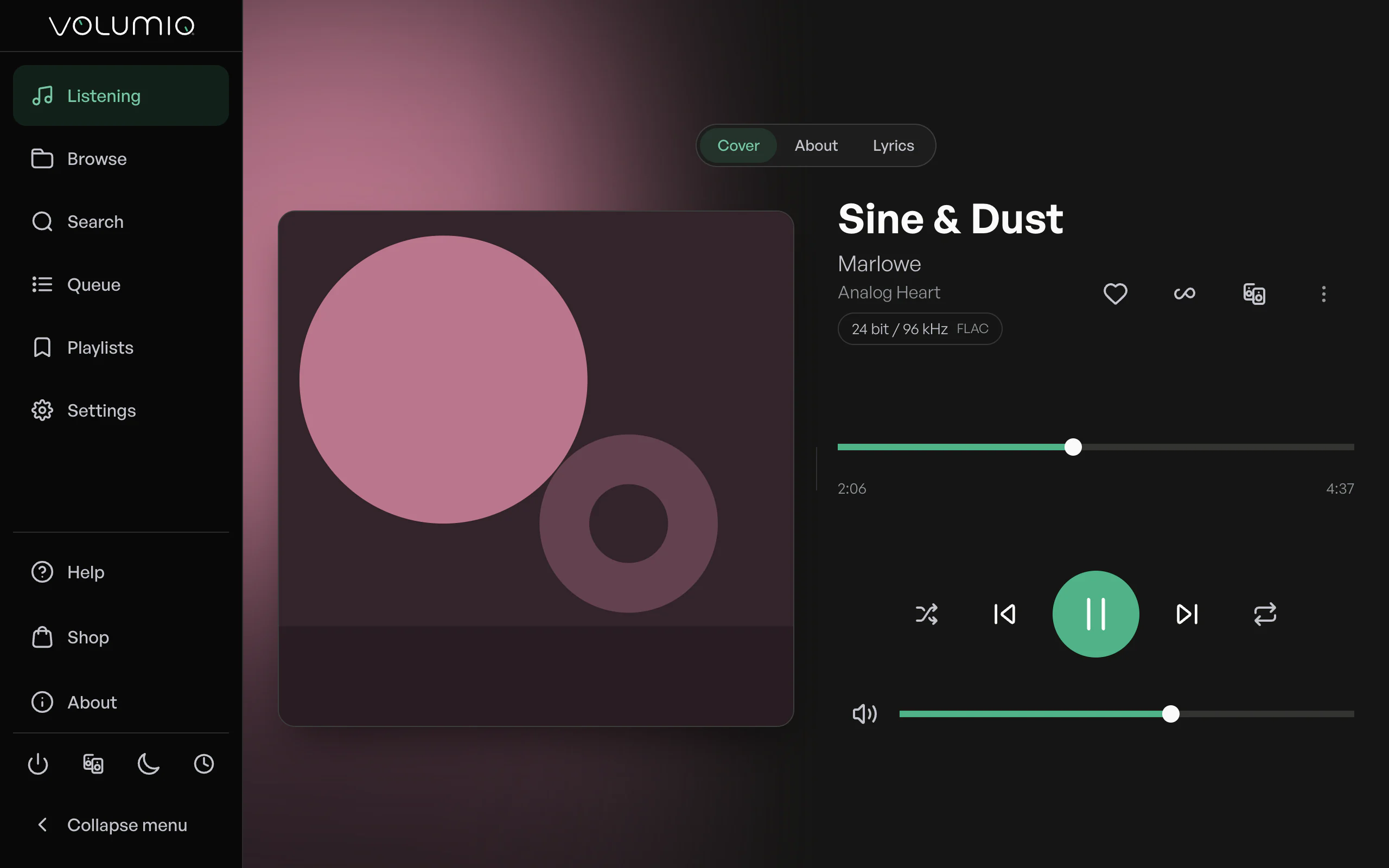
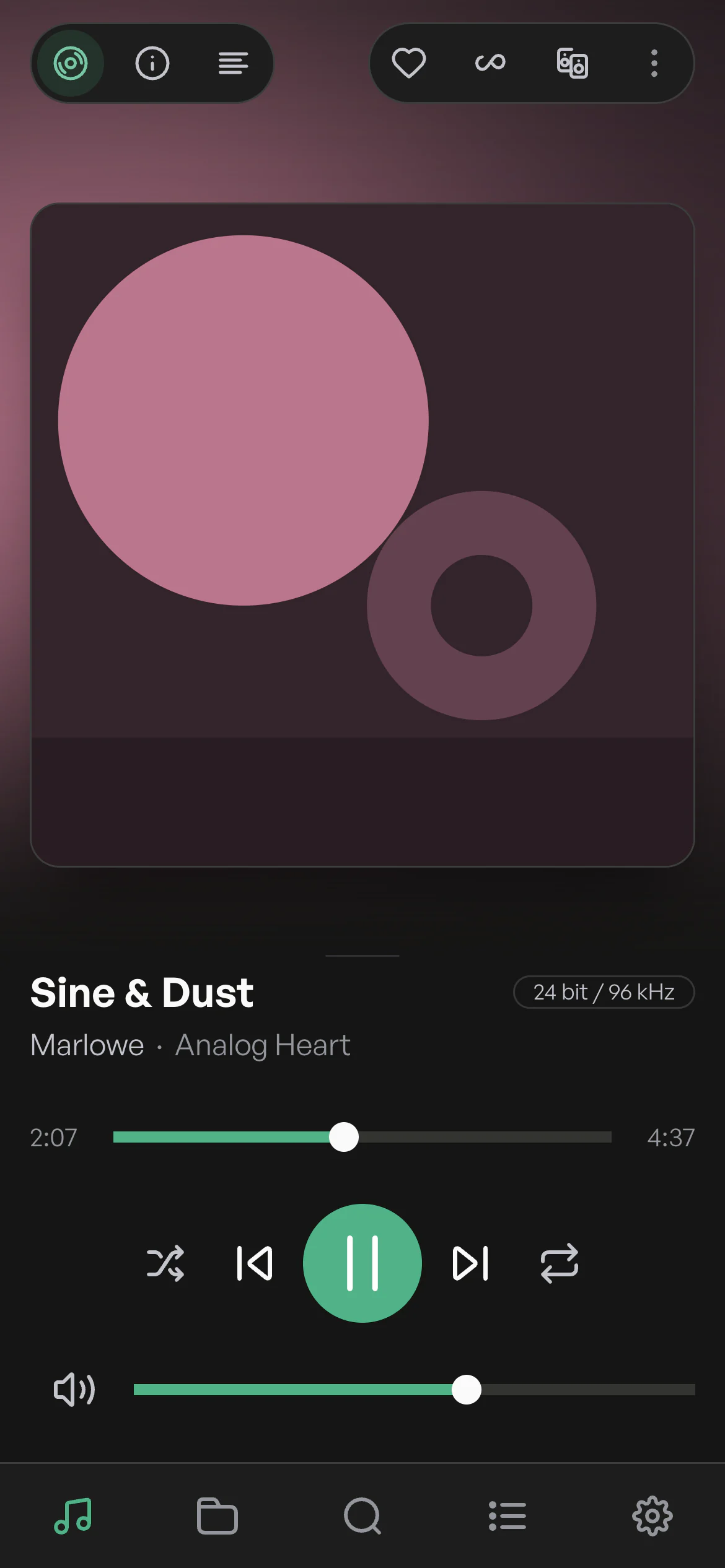
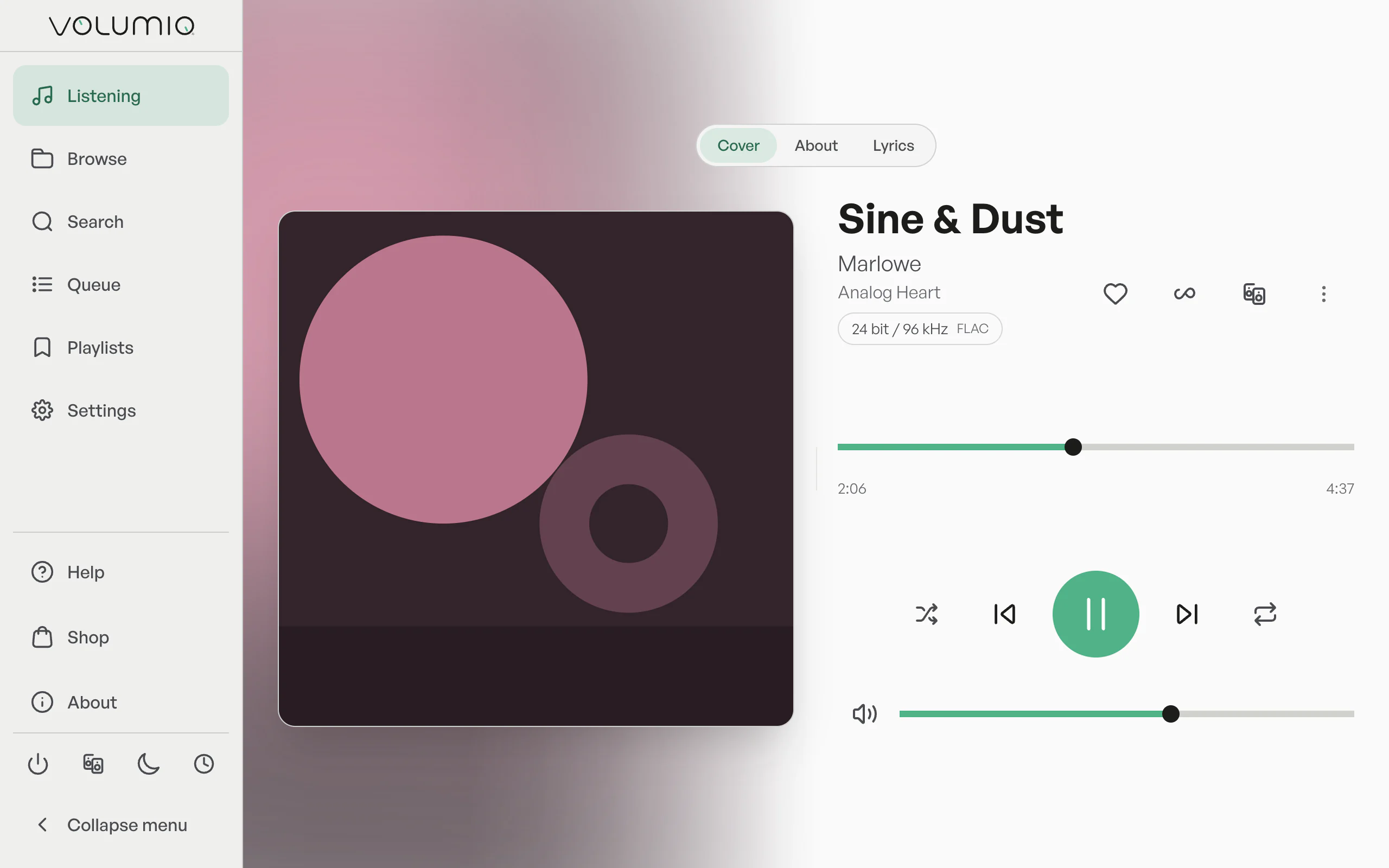
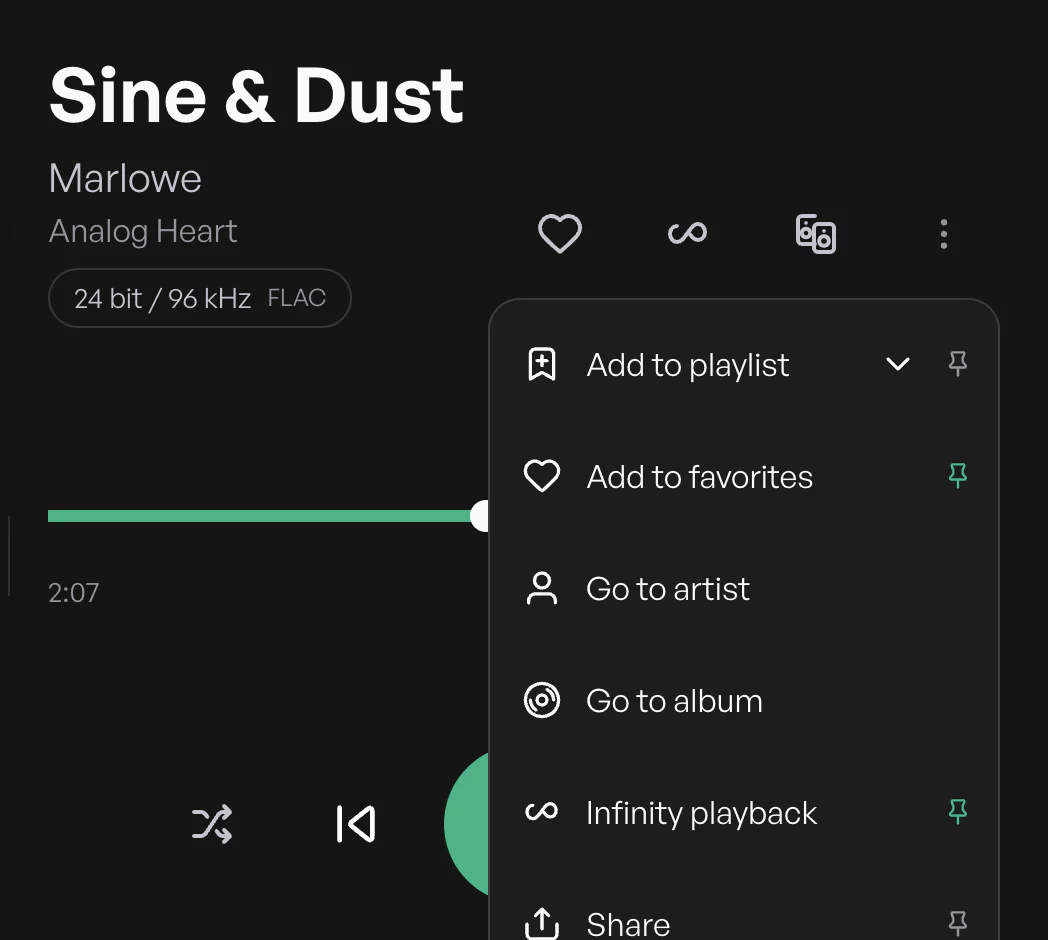
A redesigned player with the artwork up front, the controls you choose and shortcuts for your keyboard. Everything about the record is one tap away.
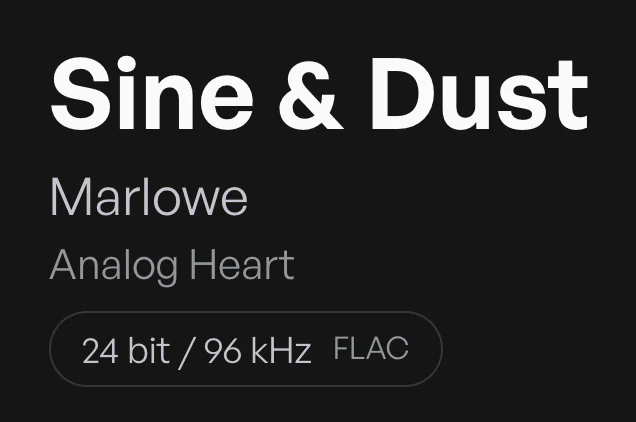
The cover leads the screen, with title, artist and album set in large, readable type.
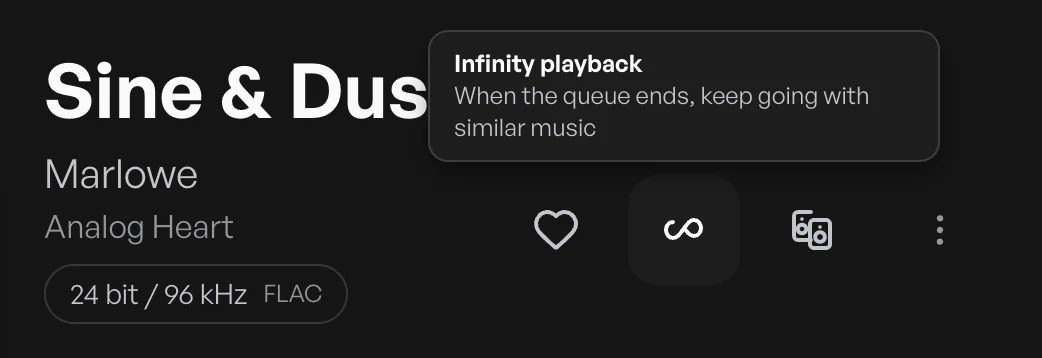
Keep up to three actions on the player, such as Share, Add to playlist or Play in this browser. The rest stay one tap further in.
Space plays or pauses, the left and right arrows seek 10 seconds, up and down change the volume, and M mutes.
A badge under the title shows the bit depth, sample rate and format of what's playing, from CD quality to Hi-Res.
Play, skip, seek and set the volume with large targets that are easy to hit on any screen.
Lyrics
Every word, in time
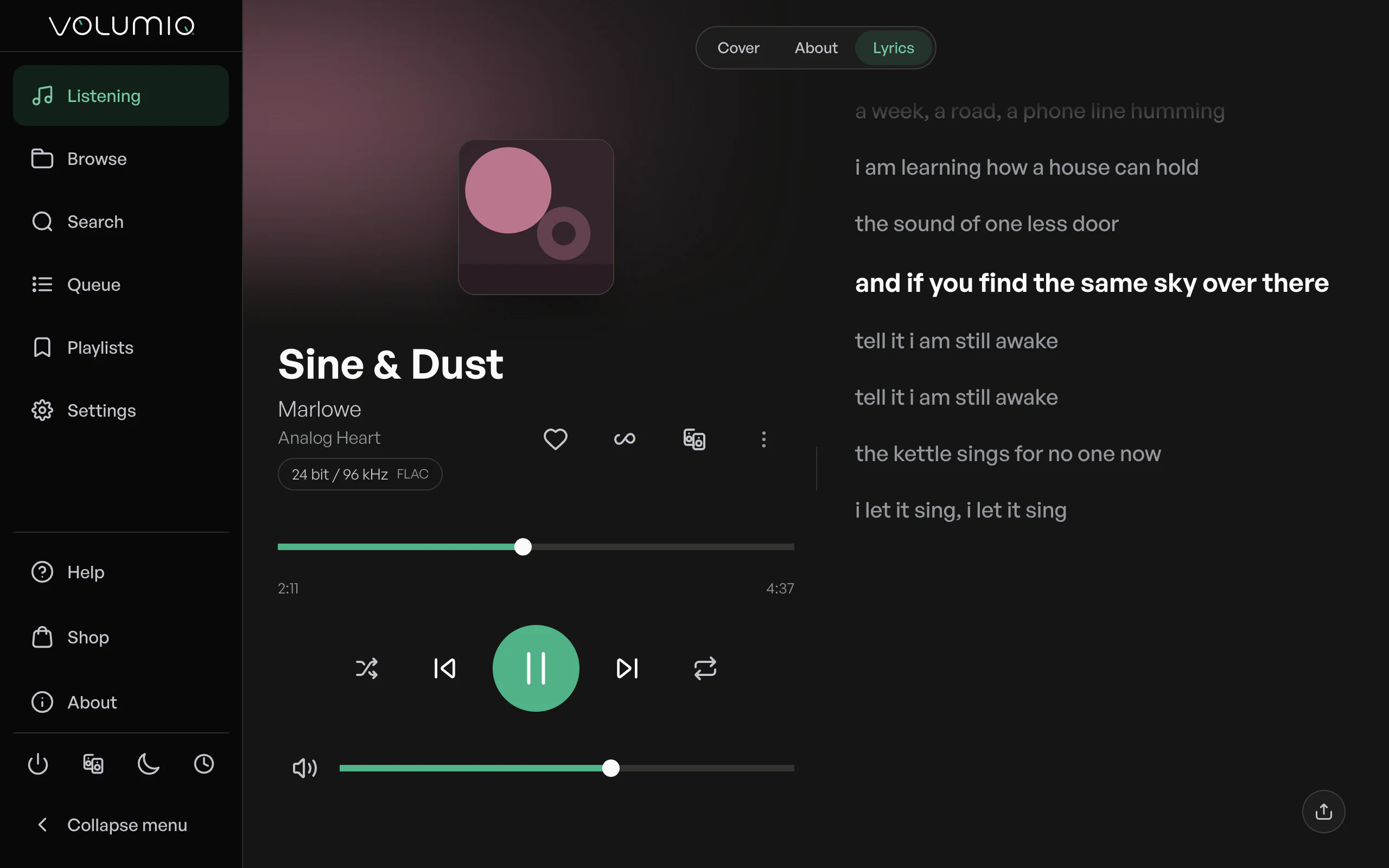
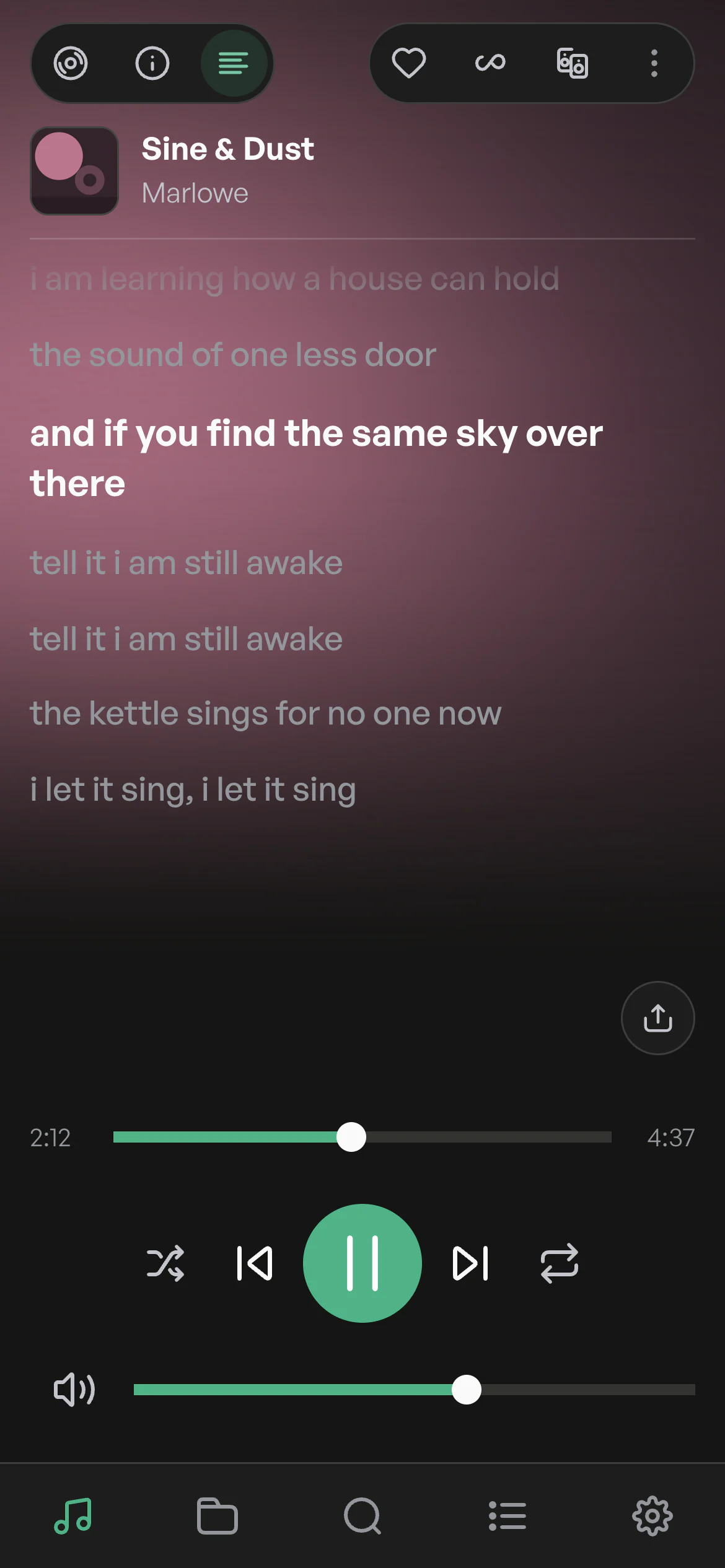
Open Lyrics next to the cover and follow each line as it's sung. Switch to About for the story behind the album and its credits.
Search
Find it faster
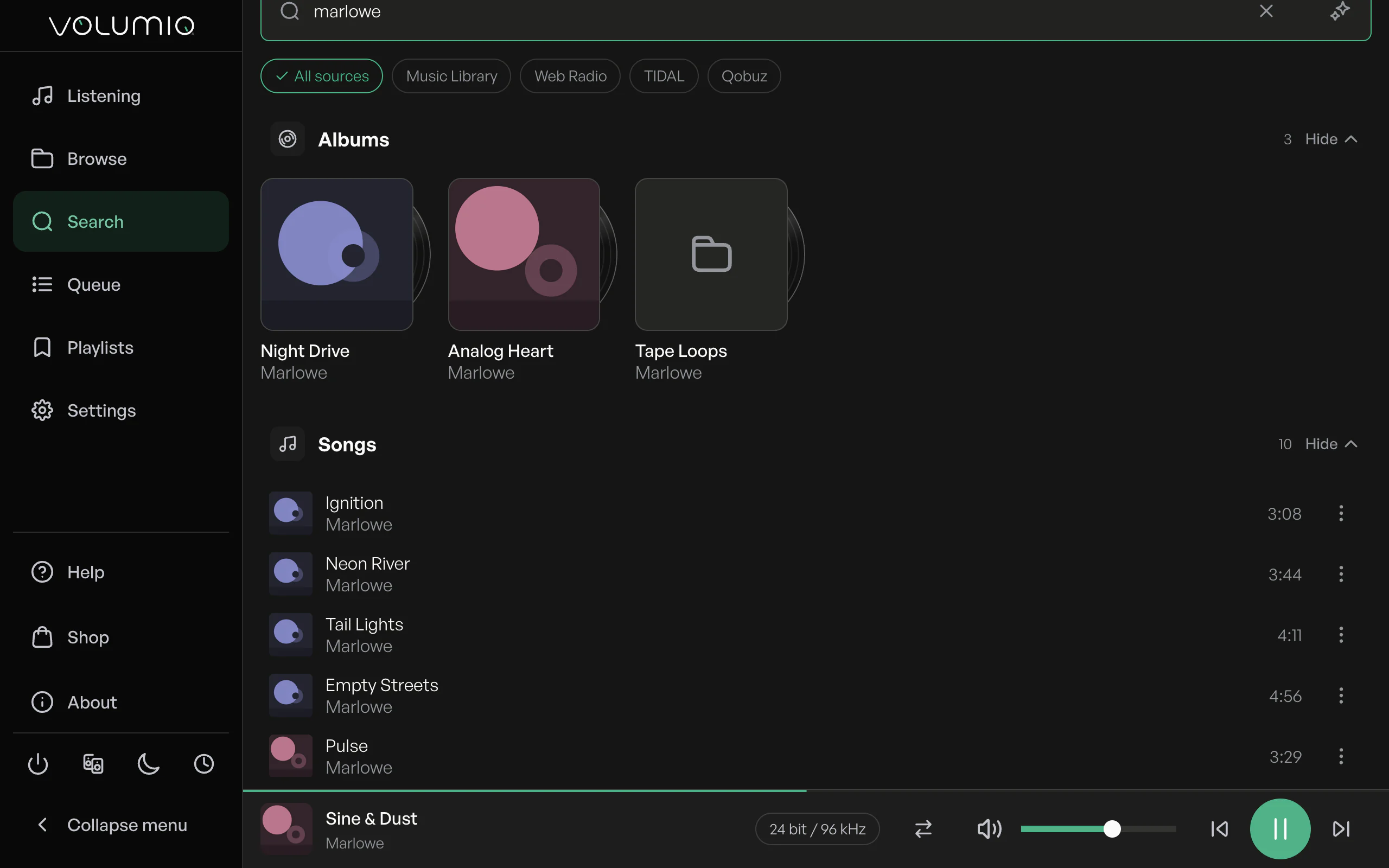
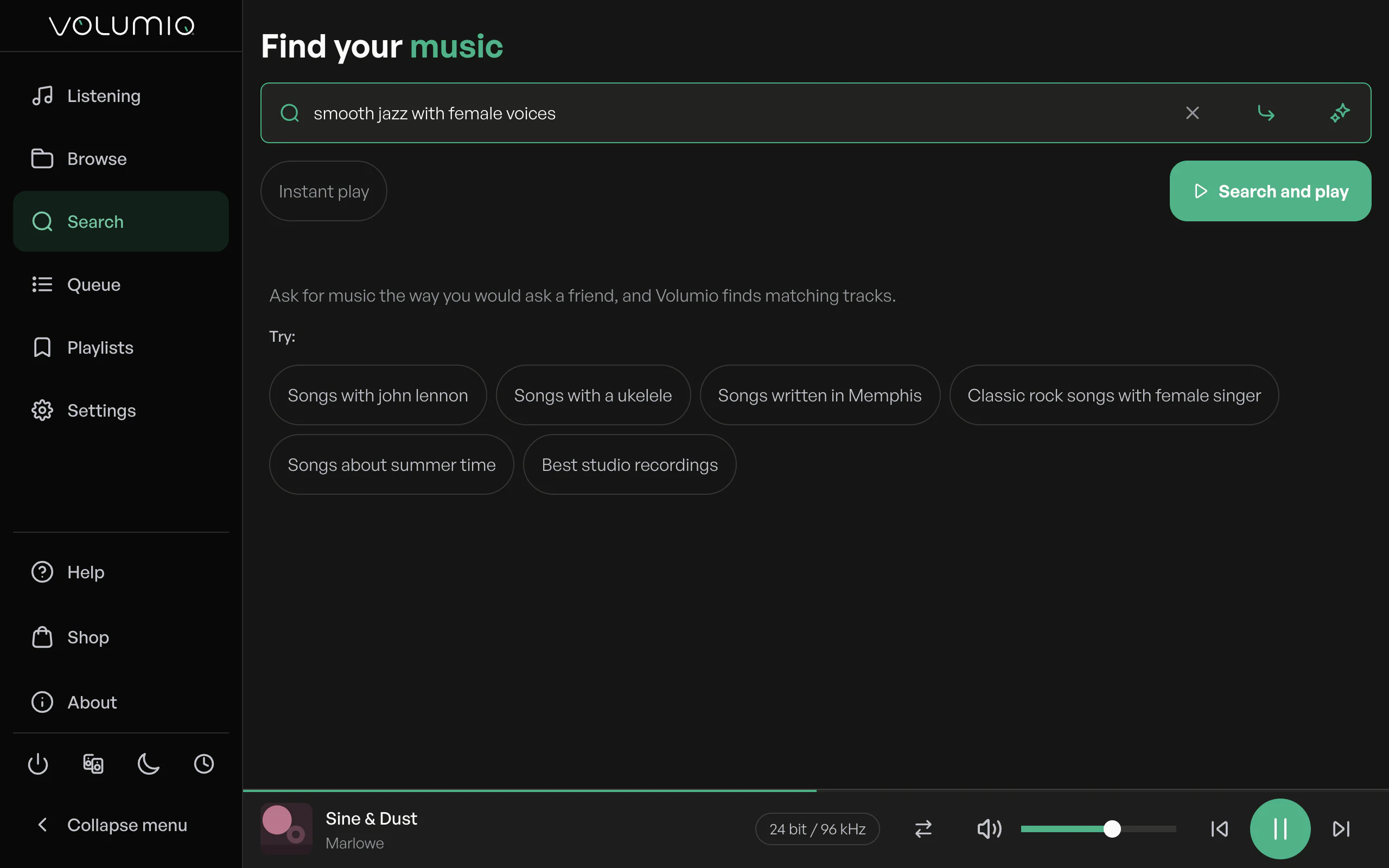
Search has been rebuilt to be quicker and smarter about where it looks. Your library, radio and streaming services, in one place.
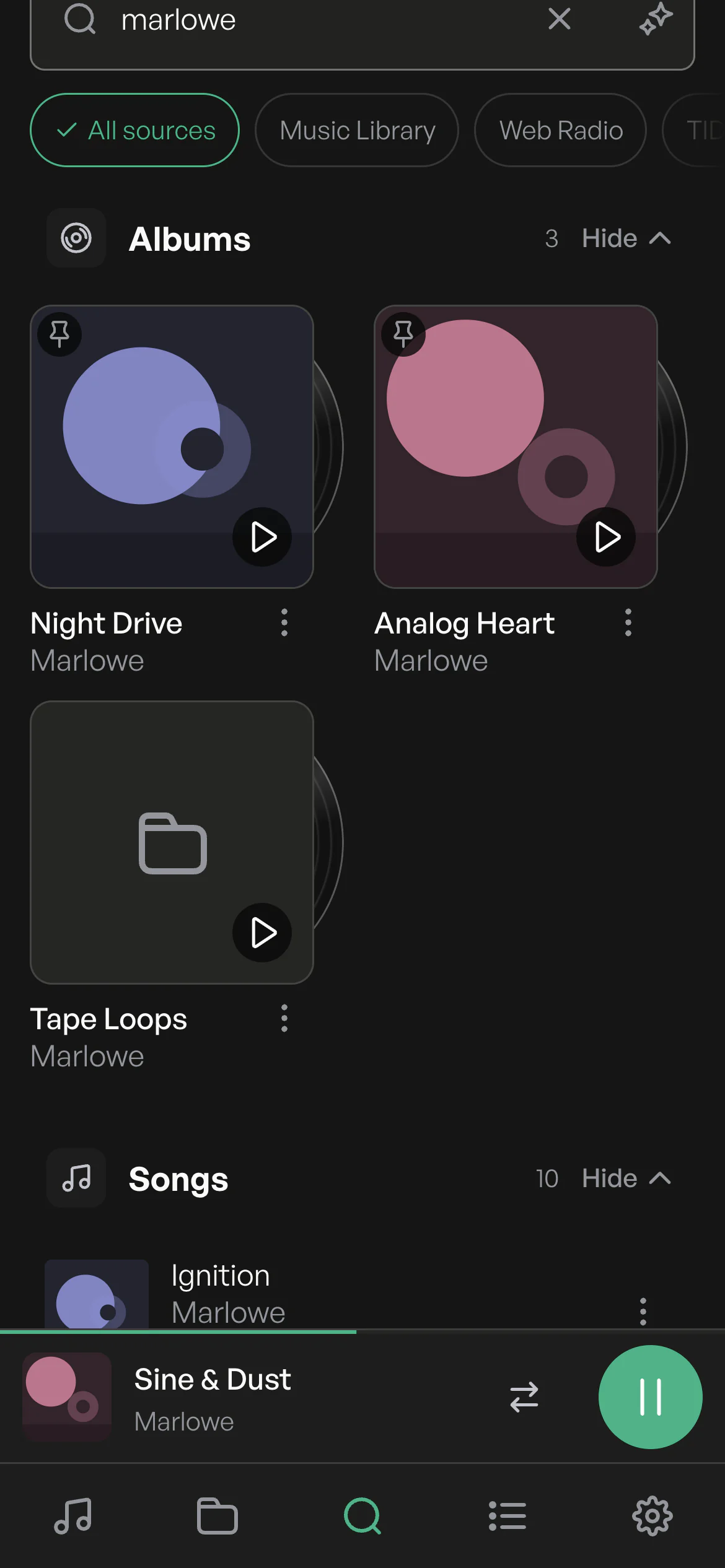
Results arrive grouped by type, albums apart from songs, so the one you want is easy to spot.
The same fast search on your phone, with results laid out for one hand.
Describe what you want to hear and Super search finds matching tracks, ready to play.1
Settings
Settings, sorted
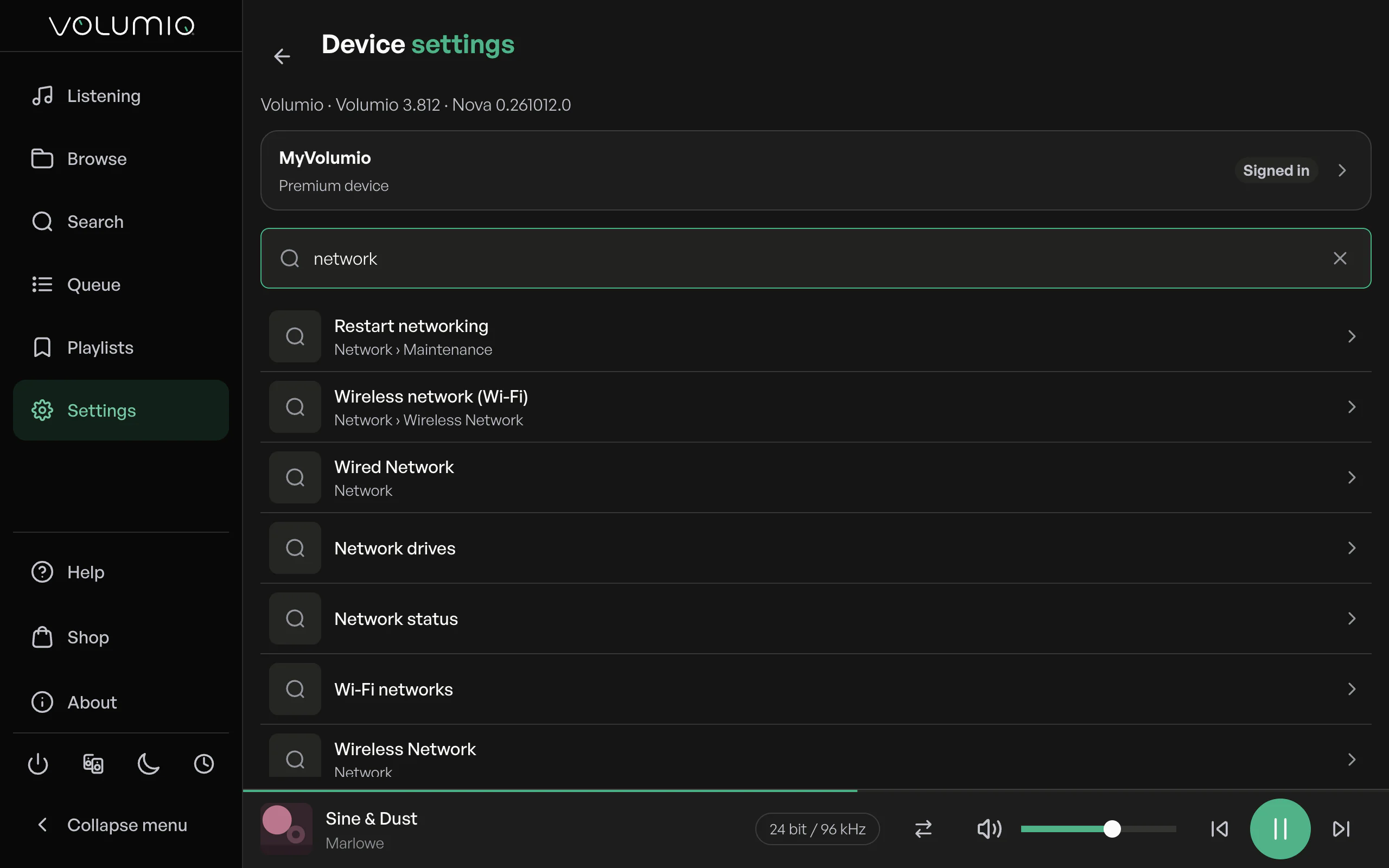
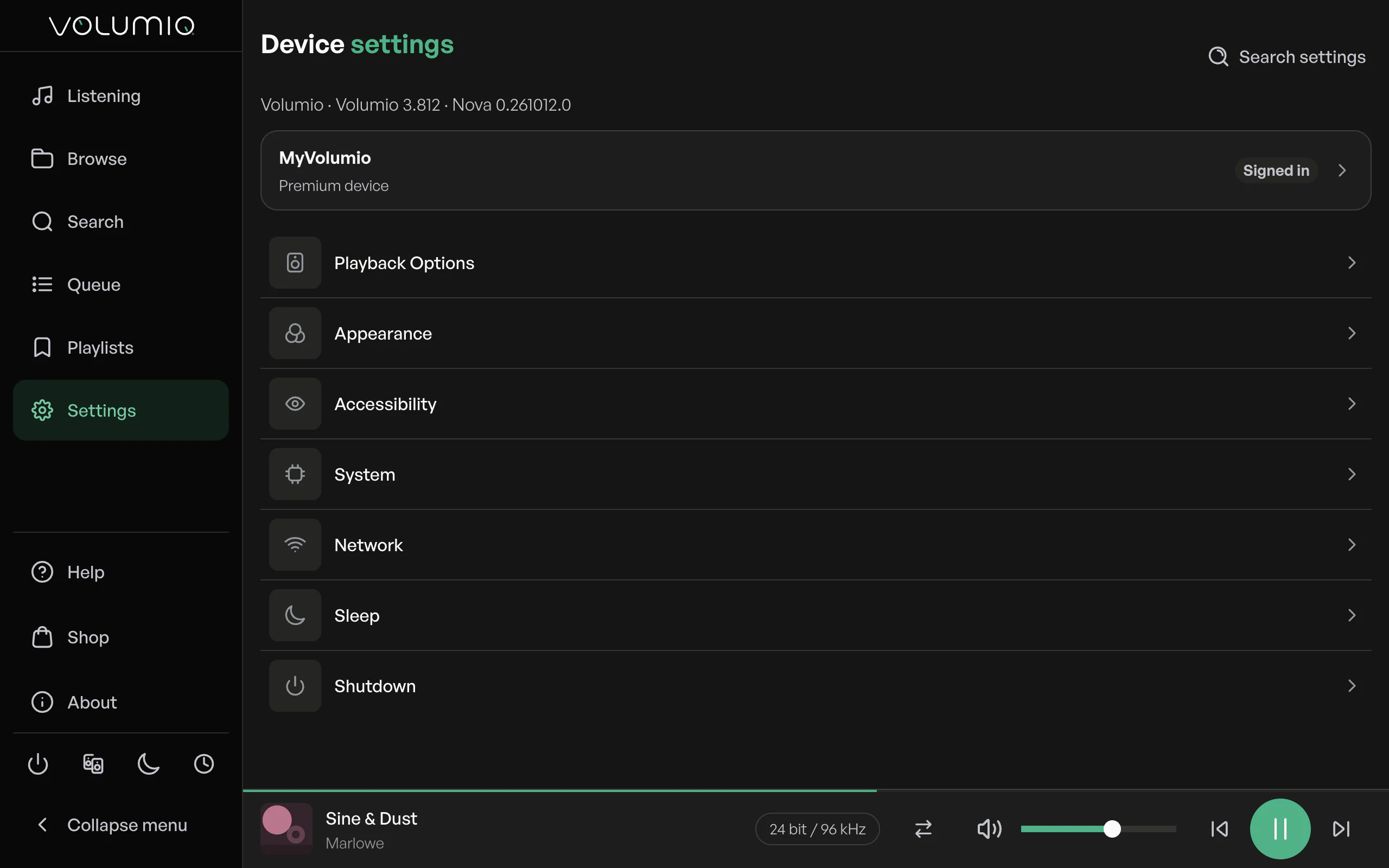
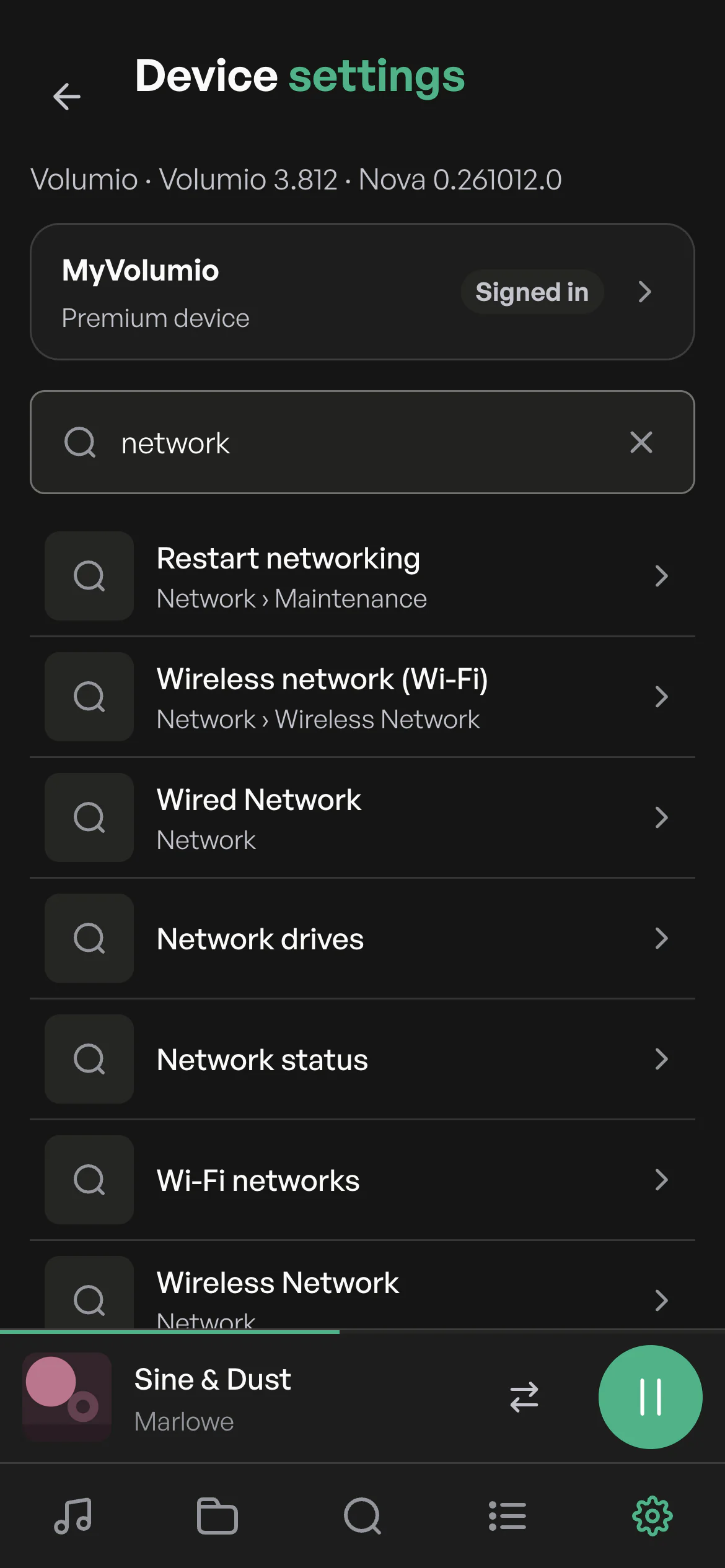
Settings are reorganized so related options sit together. And when you'd rather not look, search finds any option by name.
Appearance
Now in light
A brand new light theme for bright rooms and daytime listening. Choose light or dark, or let Nova follow your device's setting.
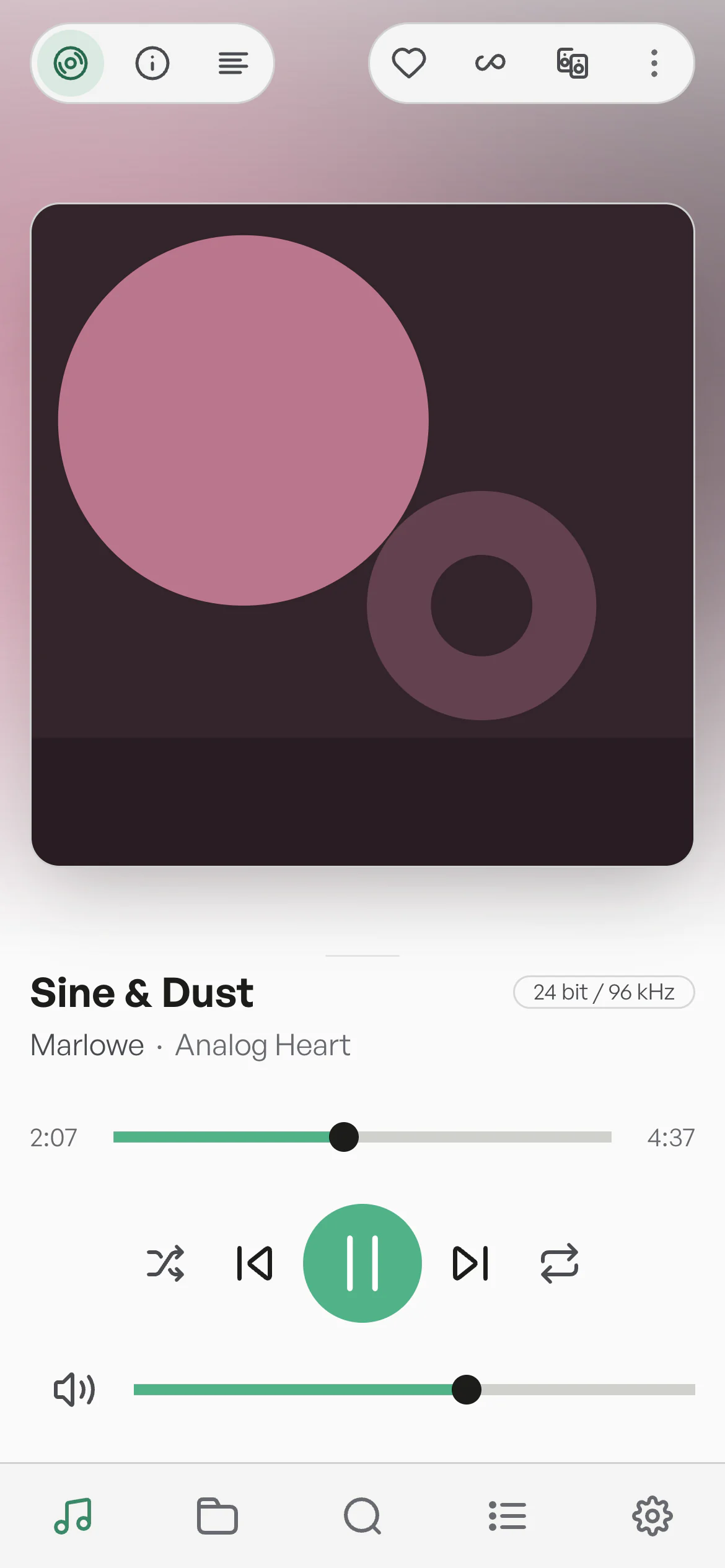
- One layout, two looks.Every screen works the same in light and dark.
- Follows your day.Set it to System and Nova switches when your device does.
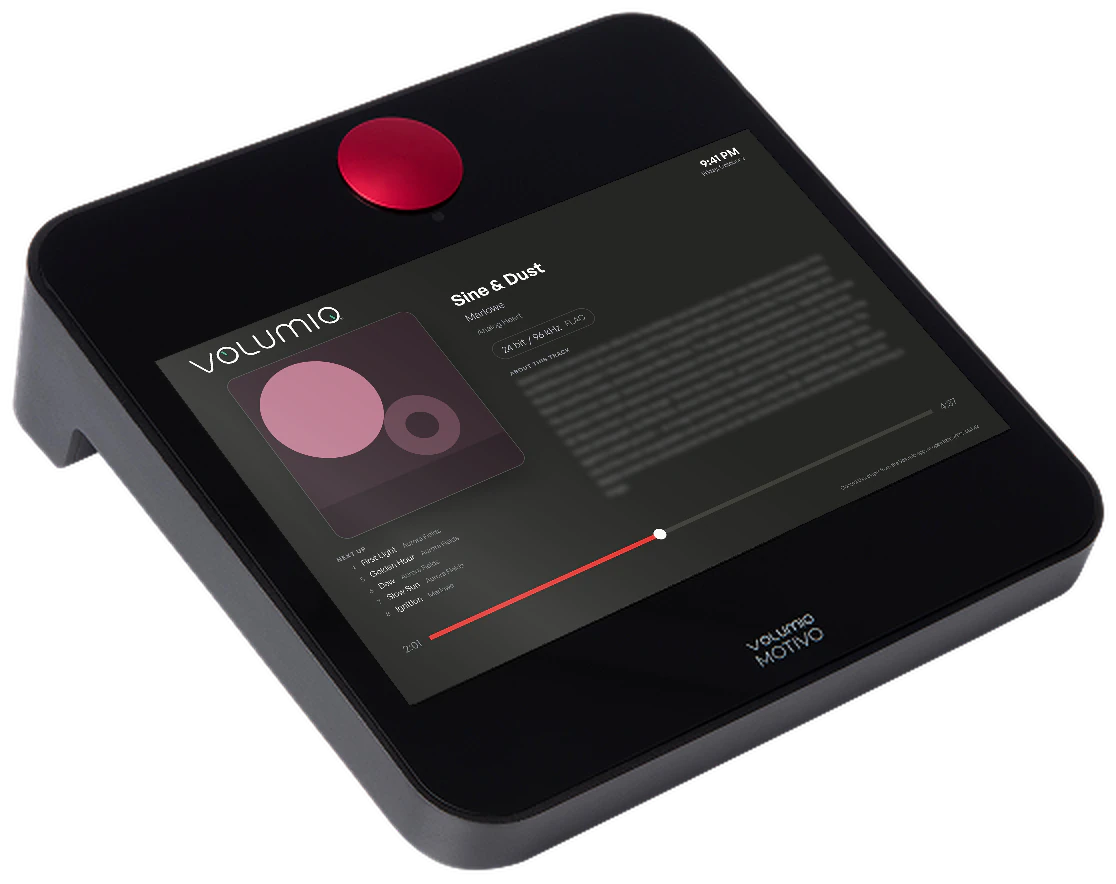
- Made for Motivo, too.On a Motivo, Nova wears Motivo Red, or Volumio Green if you prefer.2
Accessibility
Easier for everyone
Larger text, controls that explain themselves and full keyboard and screen reader support. Turn on what helps you, in one place.
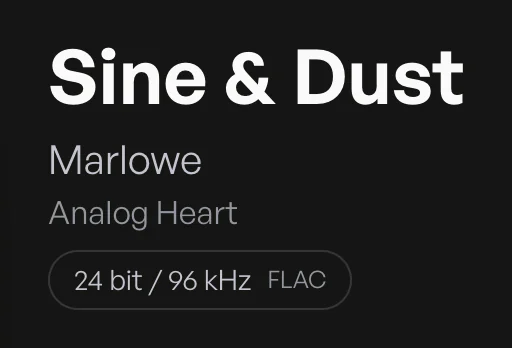
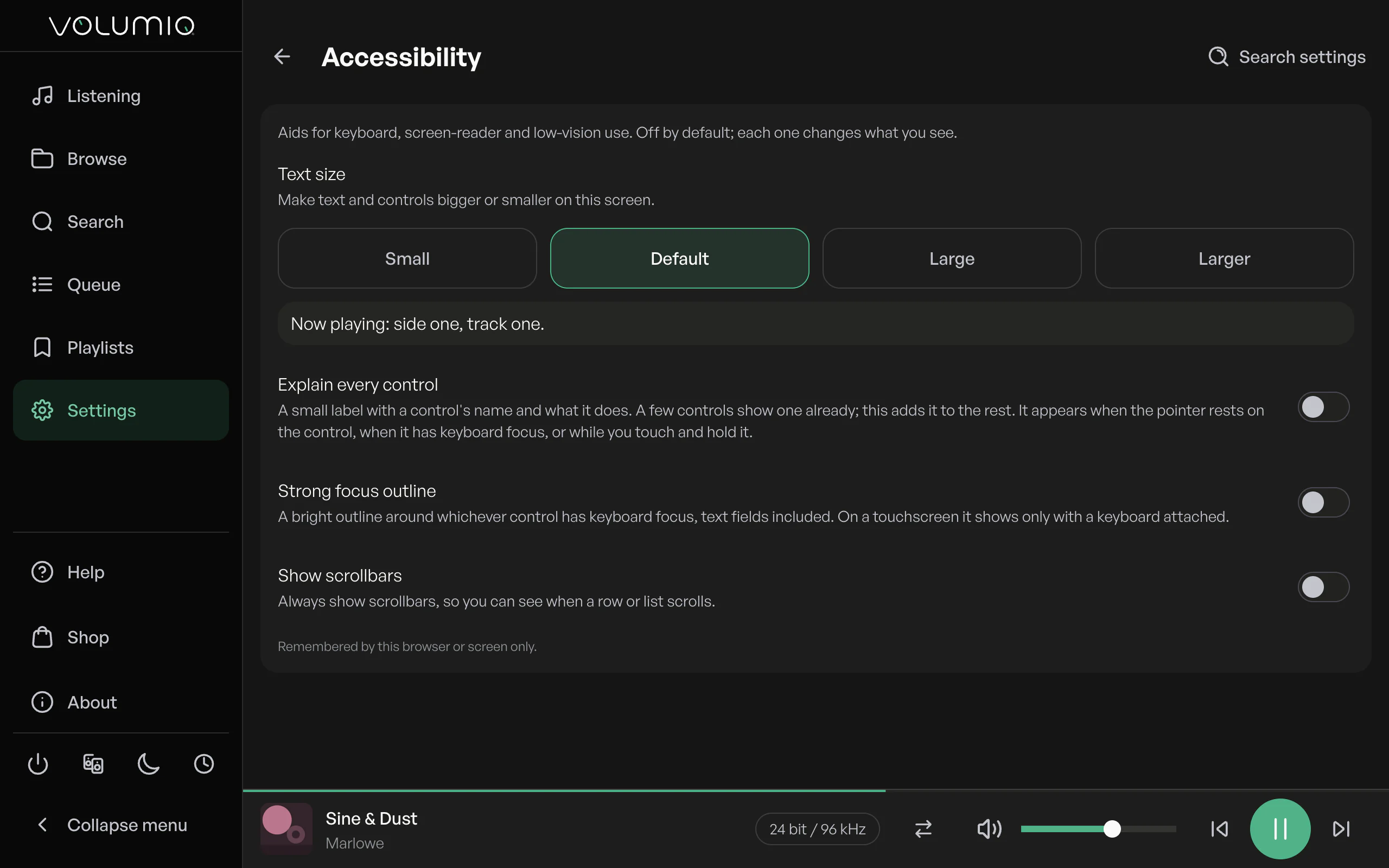
Make text larger across the whole interface, from Small up to Larger.
Turn on explanations and each button tells you what it does when you point at it, focus it or touch and hold it.
Text size, explanations, a bright focus outline and spoken track changes sit together in Accessibility settings. Every target is at least 56 pixels.
Default
Larger
Displays
Fits every screen
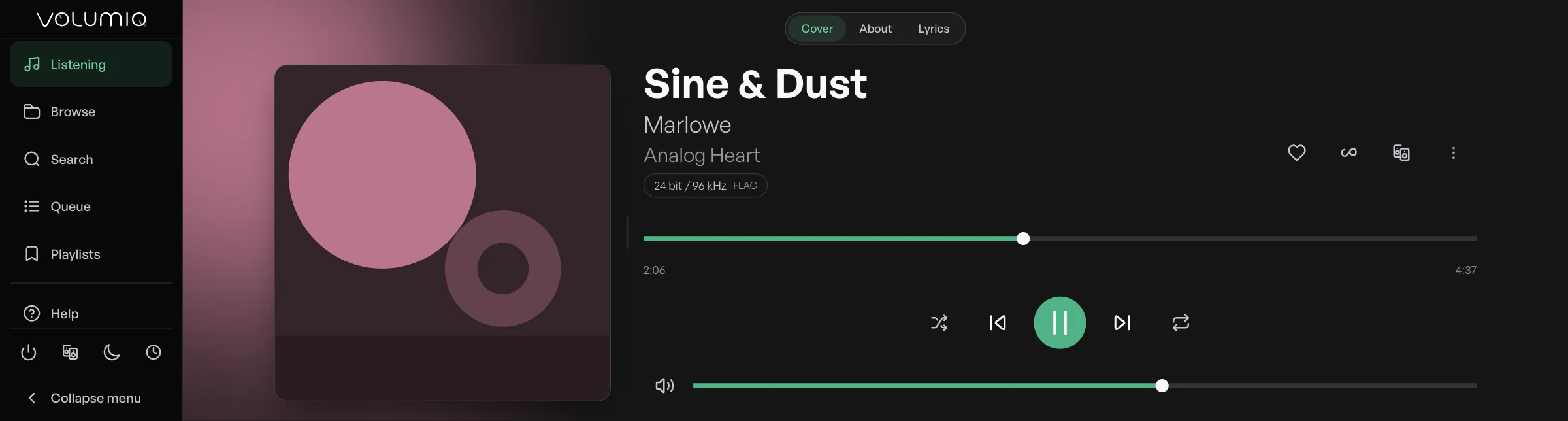
Phone or tablet, a TV over HDMI, a small touch panel or a wide bar display. Nova rearranges Now Playing to suit the shape in front of you.
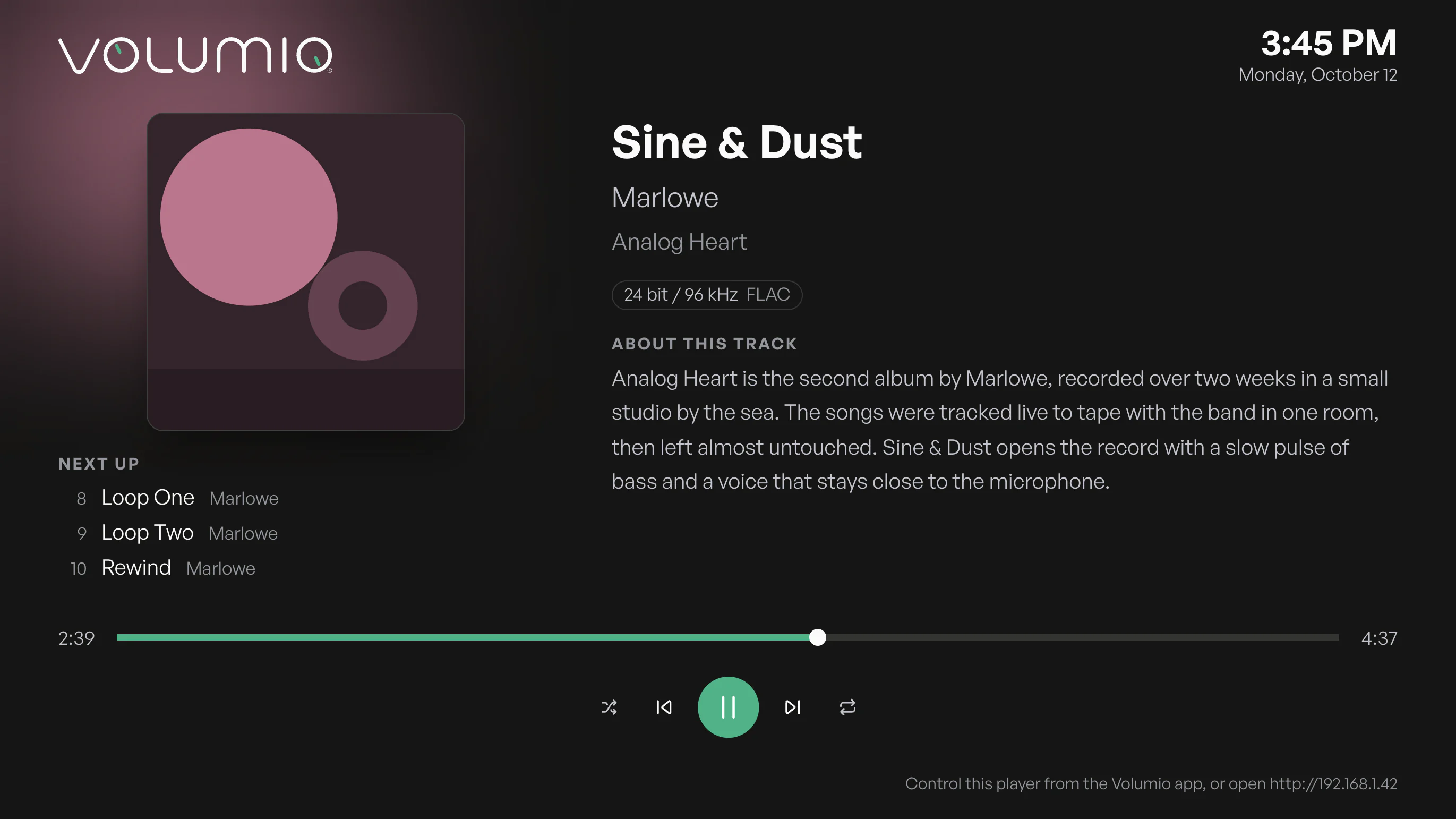
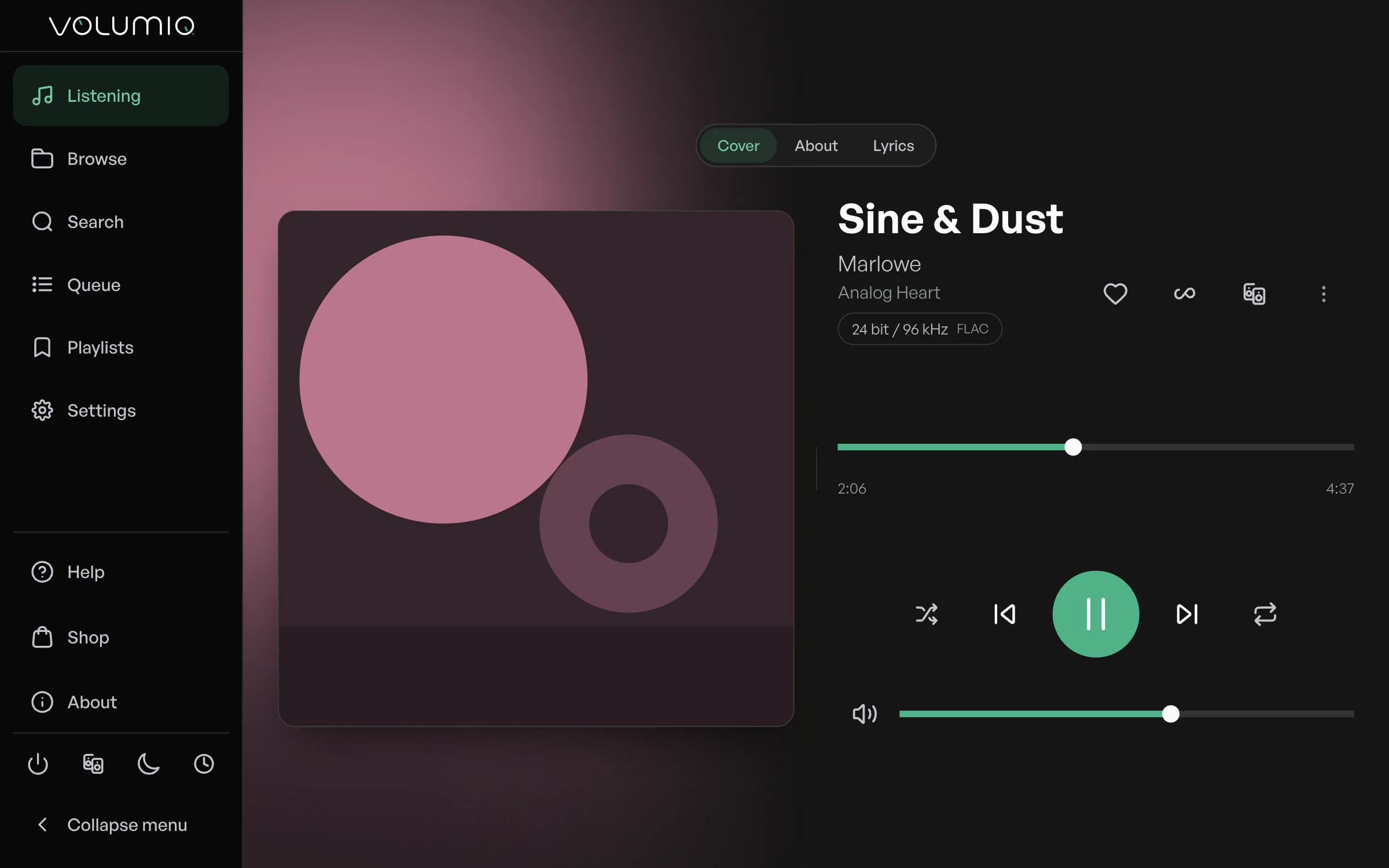
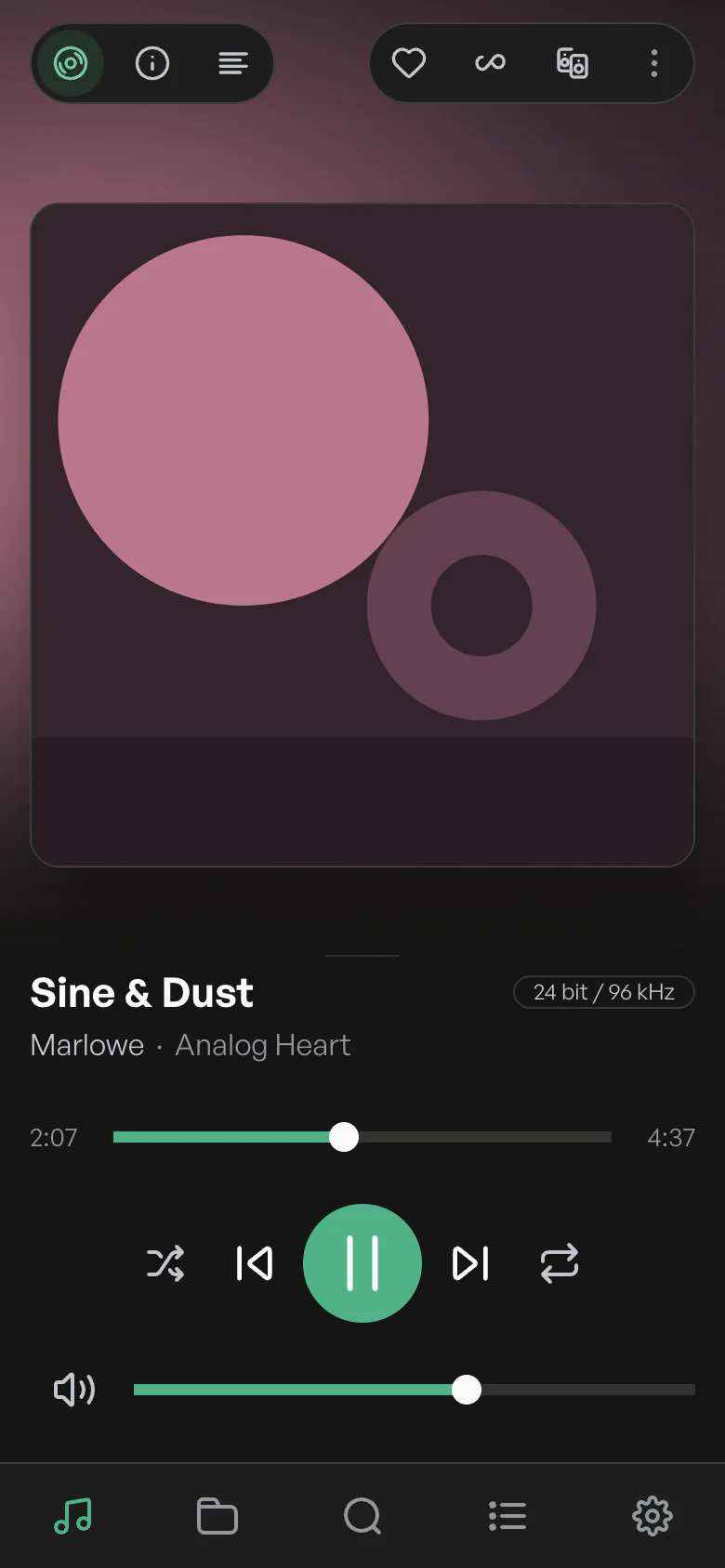
On your player's own screen, too.
On players with a touch or HDMI screen, Display mode shows the artwork, the time and what's coming next, in type you can read from across the room.3
Pins
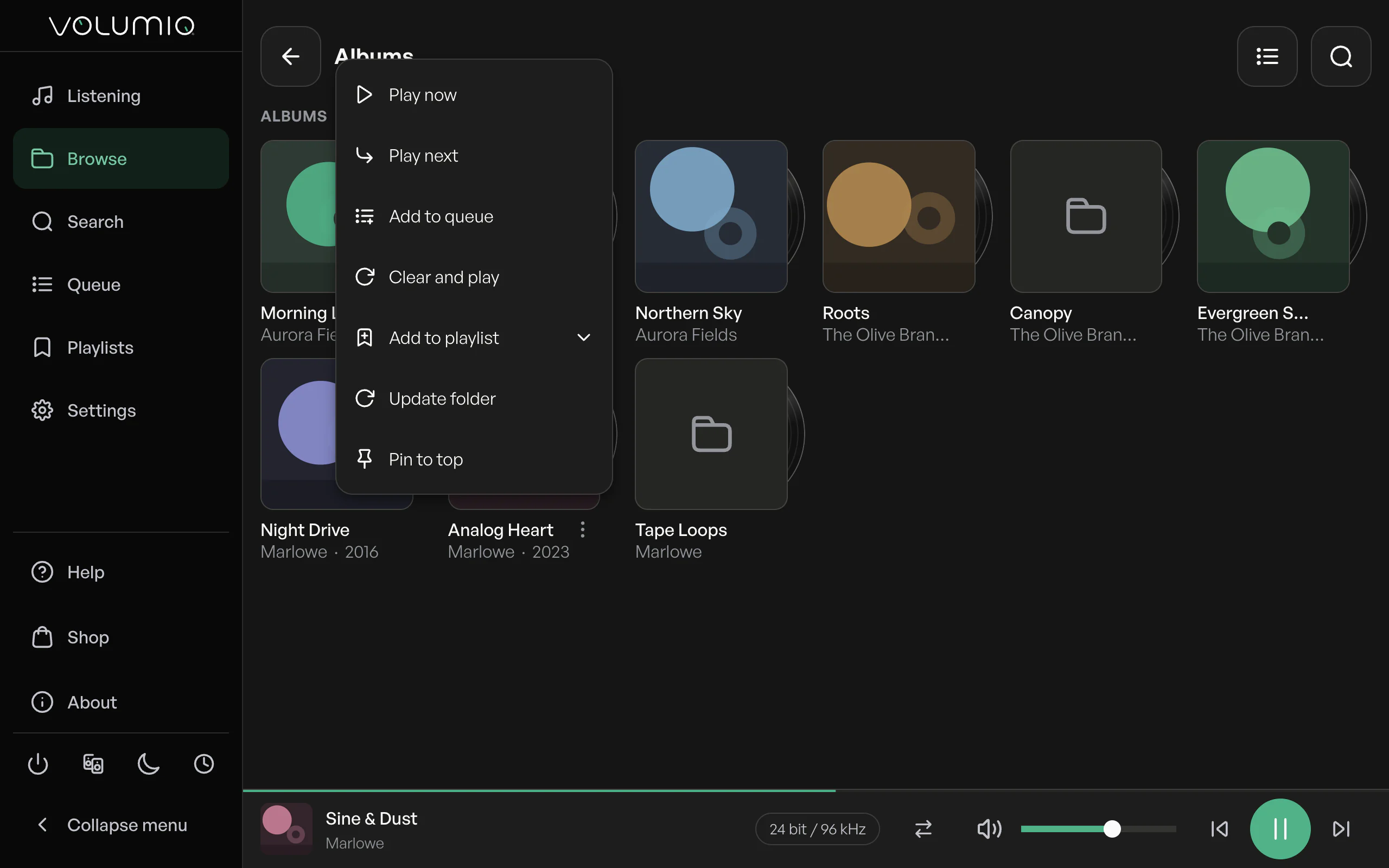
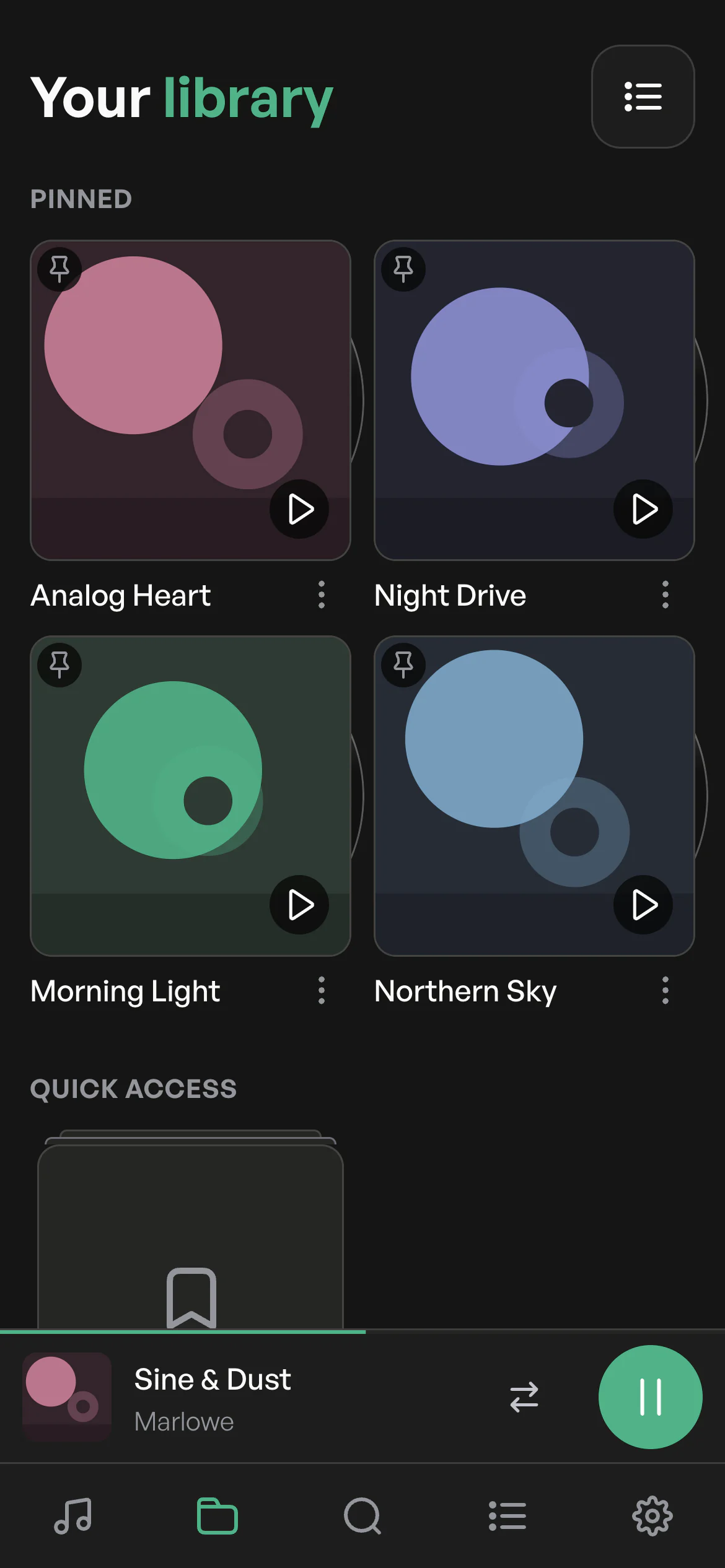
Pin it. Find it faster.
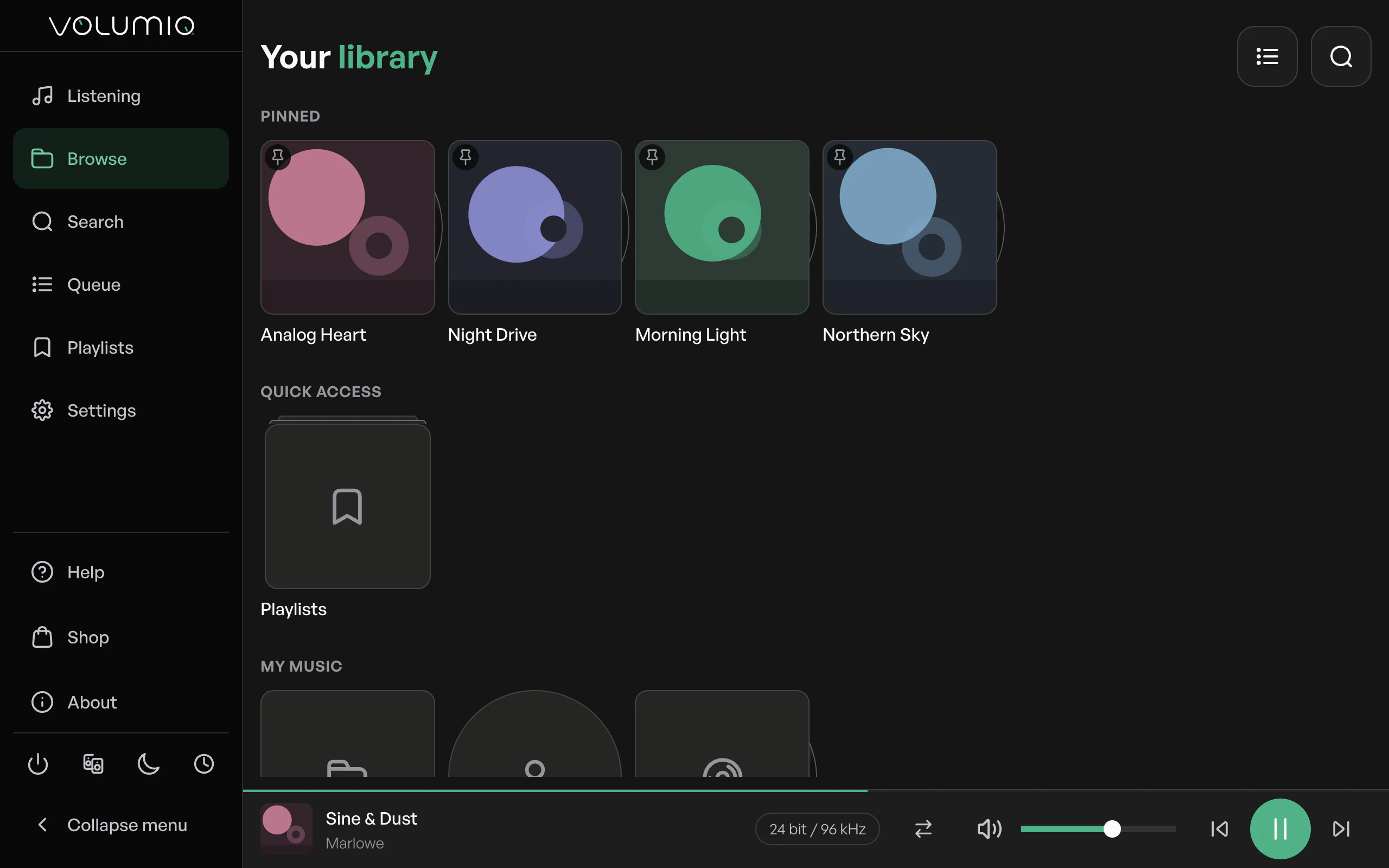
Pin an album, a playlist, a radio station or a whole source and it waits for you at the top of Browse. Your favorites, one tap away.
And so much more
Multiroom.
Group rooms in a tap and set one volume for all of them or each on its own.1
Inputs.
Switch to optical, line-in, HDMI eARC or Bluetooth when the music comes from elsewhere.
FusionDSP.
Turn sound processing on and choose a preset without digging through settings.
A queue you control.
Drag to reorder, remove what you'd skip, and save the queue as a playlist.
Infinity playback.
When the queue ends, Nova keeps going with similar music.1
Sleep timer and alarm.
Fall asleep to an album, or wake up to one at a time you choose.
CD ripping.
Rip a CD straight into your music library.
Network drives, found.
Nova discovers NAS shares on your network, so adding them takes a few taps.
Plugins.
Browse, install, update and configure plugins without leaving Nova.
Updates with notes.
Read what changed before you update. Nova also tells you when it has updated itself.
30 languages.
Nova speaks your language, from Catalan to Vietnamese.
Inside the Volumio app.
The same Nova appears in the Volumio app for iPhone and Android.
Playing, at a glance.
The icon on the browser tab turns green while music plays.
Compatibility
Nova comes with every Volumio device





And Motivo. Running Volumio on a player of your own? Nova is part of Volumio Premium.
Waiting list
Get Nova first
Tell us which player you have and we'll email you when Nova is ready for it.
Can't wait? Test the beta on the Test update channel, and share what you think in the community thread.
Community
Built with you
Nova was shaped in the open. Volumio listeners have tested every beta on the community forum, reported what broke and asked for what was missing.
- 135posts in the beta thread
- 154likes
- 32people taking part
- 17days since it opened
“The listening screen is beautiful.”
- The look lands.Modern, clean and easier on the eyes come up again and again.
- It feels faster.Testers report quicker loading and a more responsive interface.
- Easier to find your way.The reorganized menus, the plugins page in particular, get repeated praise.
- Fixes in days.Testers keep thanking the team for how quickly updates arrive.